If things aren't working the way they should (or do normally), sometimes it can be troubles with the hardware or infrastructure on your premises.
Here are a couple of things you can do to make sure your devices are working optimally;
1. Device & Browser Checks
- Perform a 'hard refresh' of the page you are on by pressing Ctrl+F5
- Regularly clear your browsing data. Or, as soon as you notice any issues.
- Make sure the software is up to date (e.g. browser, iOS, etc)
- Make sure you are using the right browser on the right device; check out our list of supported browsers.
- Make sure the device gets turned off regularly.
2. Internet Checks
- Make sure you have a strong connection to the centre Wifi or a wired connection.
- Don't stay on the one page for extended periods without refreshing (if you have left Learning Journeys page open for over an hour, refresh or navigate to another page to make sure your session hasn't timed out)
- Check your upload speed - Type "Speed test" into Google and you can use their inbuild internet speed tester to make sure you have a fast connection.
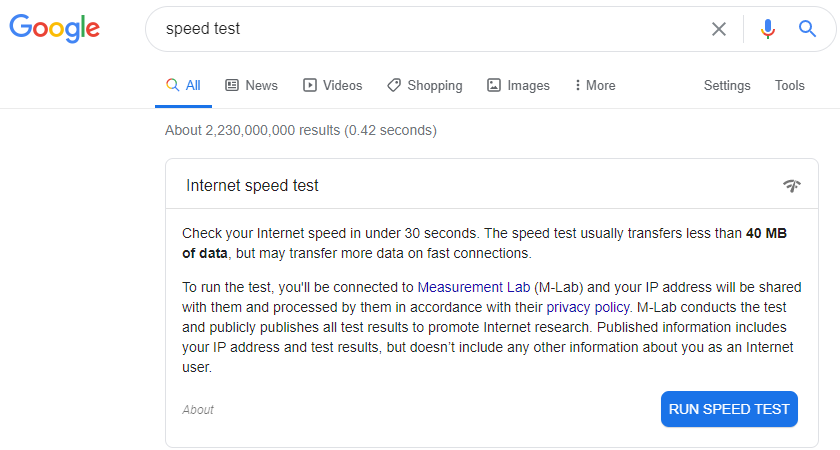
Click here to see how the google speed test works and also to understand your test results
If none of these troubleshooting steps solves the issue, you should call support right away on 1300 824 855.
Comments